
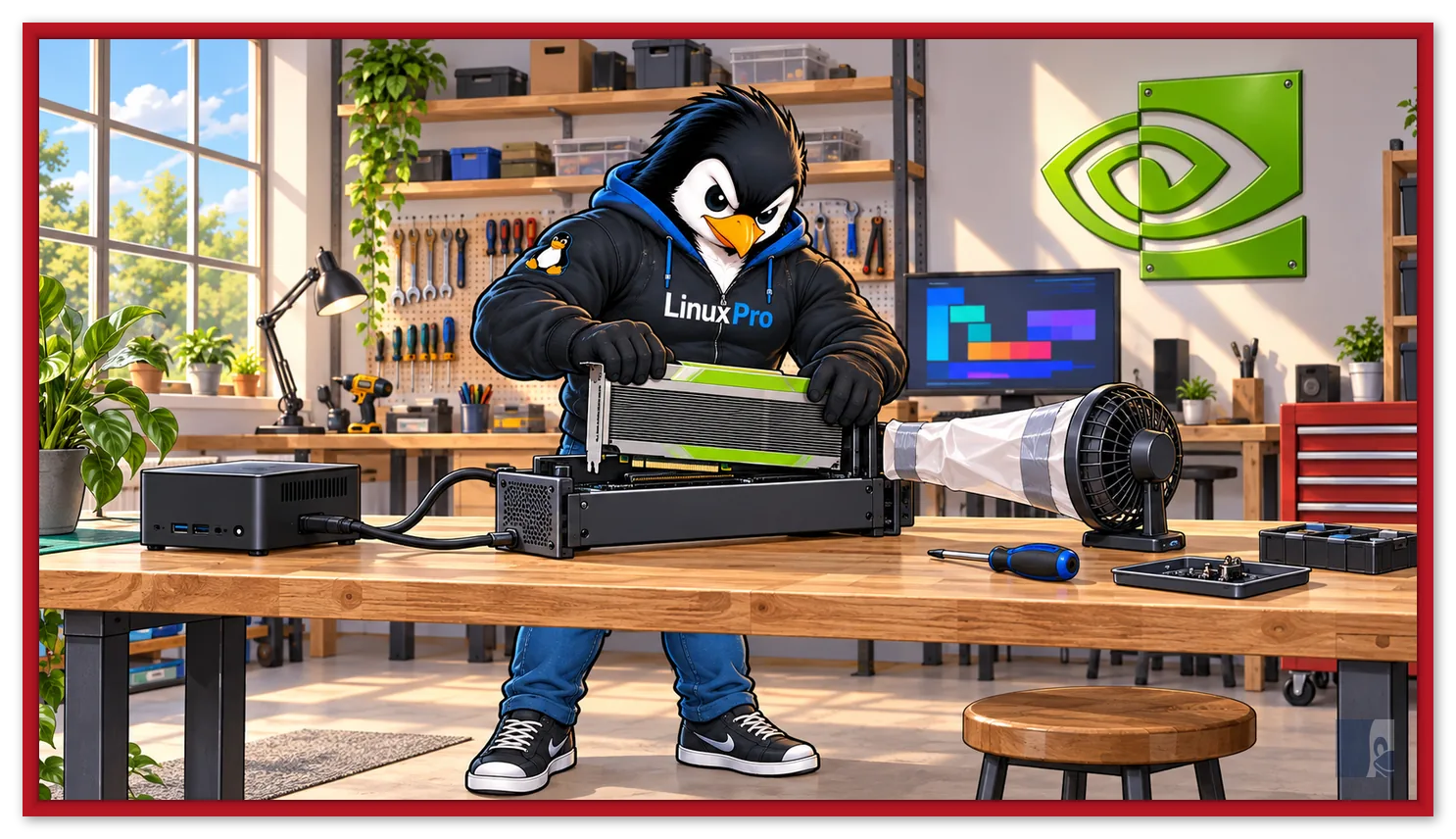
Running 27 billion parameter AI models at home usually hits the same wall: the price of a GPU with plenty of VRAM. But there's a shortcut coming straight from the datacenters: the NVIDIA Tesla V100 with 32 GB, retired en masse from the clouds and sold used for a fraction of the original price — today it's the cheapest 32 GB GPU on the market. The Lon.TV channel put one of these to work in a regular desktop and the result is a nice weekend project for anyone wanting local AI.
Video summary: this article comments on and complements the video “The Cheapest 32GB Nvidia GPU You Can Buy for Local AI (Tesla V100)”, from the channel Lon.TV (Lon Seidman).
Video URL: https://www.youtube.com/watch?v=3P6m_QBIgAo
What is the Tesla V100
Launched in 2017, the V100 was the most advanced datacenter GPU of its time — and the first from NVIDIA with Tensor Cores, the dedicated cores for deep learning that now define the AI market. The specs still impress: architecture Volta (GV100 chip in 12 nm), 5.120 CUDA cores, 640 Tensor Cores, and memory HBM2 of 16 or 32 GB with 900 GB/s of bandwidth — bandwidth that many current consumer cards don't reach. This is the GPU that trained much of the first wave of modern AI models on the clouds from 2018 to 2022.
With the arrival of the Ampere, Hopper, and Blackwell generations, datacenters retired their V100s by the thousands — and they flooded the used market. The 32 GB version is found in the range of US$ 500-700 (in Brazil, listings vary quite a bit; do your homework), while any new GeForce with that VRAM costs several times as much.
The video experiment: V100 in a regular desktop
The V100 is a server card: it has no video outputs, no fan (cooling came from the chassis airflow) and uses a proprietary power connector. Lon solved it all with maker ingenuity:
- eGPU Dock via OcuLink hooking the card up to a mini PC — the V100 becomes an “external GPU”;
- Power adapter for the card's EPS connector;
- Improvised cooling: a duct with a fan pointed at the passive heatsink — without it the card heats up in seconds;
- Linux as the OS (the experience on Windows with Tesla cards is way more annoying), complete with AI-assisted setup in the terminal.
Once up and running, the card handled recent mid-sized models with room to spare — in the video's tests, a Qwen 27B and a Gemma MoE responded at a comfortable usable speed, and even image and video diffusion models ran, something that 8-12 GB cards simply can't handle. It's the raw advantage of 32 GB of HBM2: entire models in VRAM, no offloading to RAM.
The fine print: end-of-life support
Before you rush to the cart, the other side of the coin — and this is the detail that matters most in 2026:
- Drivers: NVIDIA confirmed that the R580 series is the last to support the Maxwell, Pascal and Volta architectures. The branch becomes “legacy”: it continues receiving fixes (including compatibility with new kernels) for a while, but without new optimizations;
- CUDA: CUDA 12.x is the latest version compatible with Volta — CUDA 13 no longer sees the card. Frameworks that require CUDA 13+ in the future will leave the V100 behind;
- Power consumption and noise: 250 W per card + forced cooling is not a silent setup;
- No video output: you need another GPU (or integrated graphics) for the monitor.
In practice, for local inference today — llama.cpp, Ollama, ComfyUI and similar with CUDA 12 — the V100 remains excellent and should work for years. But it's a purchase for immediate value, not a long-term investment.
Is it worth it?
If your goal is to run quantized 20-30B models, experiment with image diffusion, and learn local AI on a budget, the 32 GB of HBM2 at mid-range card pricing is a very compelling argument — knowing the adaptation work (power, cooling, eGPU, or server) and the support horizon. Here on the blog we've already set up a refurbished AI server with 64 GB of VRAM using exactly that retired datacenter hardware logic — required complementary reading. And on the software side, see how running local AI on Linux with Ollama.
Sources: Lon.TV (original video) · Official Tesla V100 datasheet (NVIDIA) · Wikipedia — Volta architecture · Phoronix — R580 driver is the last for Volta